

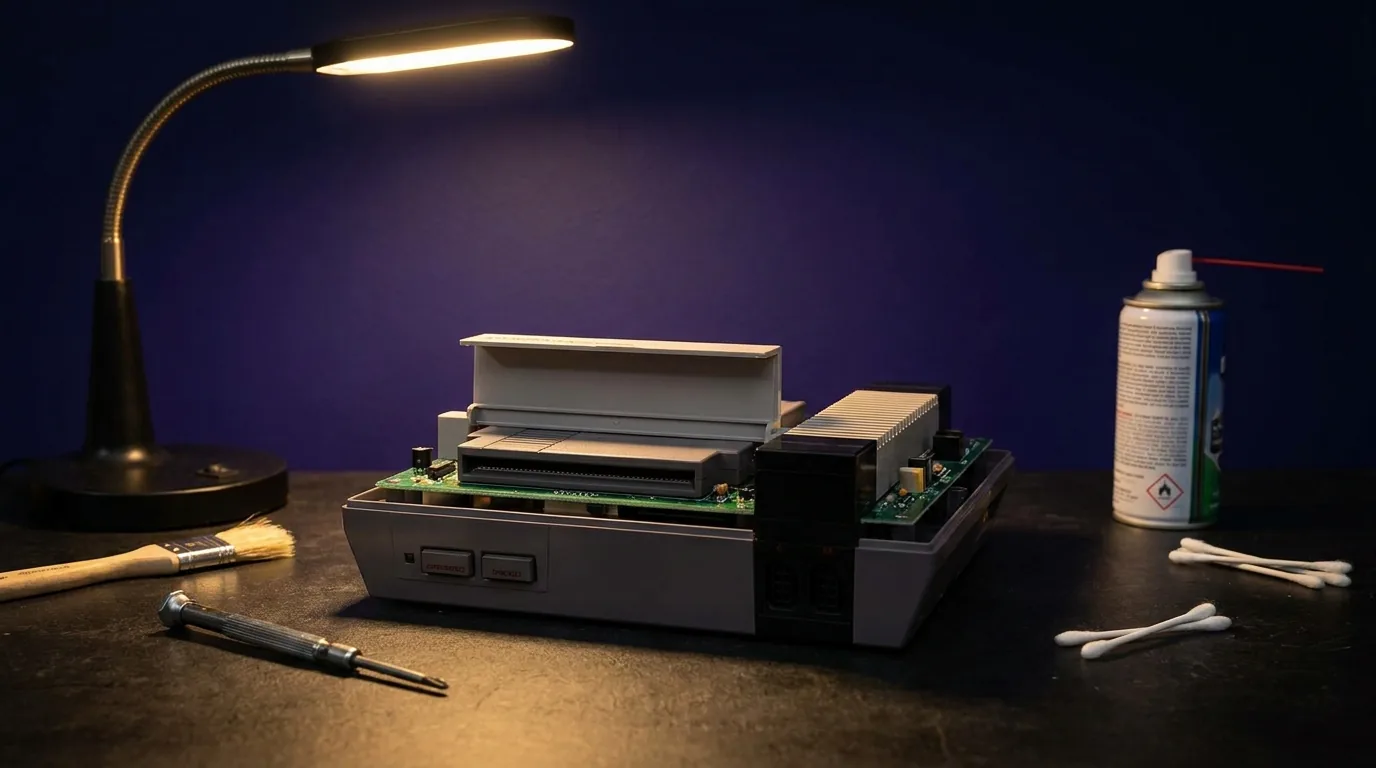
Retro
5 checks before buying a second-hand retro console
October 17, 2026 · 1 min read
A retro console is often 25 or 30 years old. It may work perfectly, or hide a fault that shows up a week later. Here are the five things we check in our workshop.
1. Power
The console must start every time, without cutting out after a few minutes. Make sure the power supply is the right one (voltage and connector): a poorly matched generic supply is a common cause of failures.
2. Picture and sound
Plug it in and let it run for at least 15 minutes. The picture should be stable, with no lines or flickering colours; the sound, free of crackling. A few seconds of testing isn't enough.
3. Controller ports
Test every port with a controller you know works. On an N64, also check the analog stick: a loose stick can be replaced, but it should cost less.
4. The drive
On a cartridge console, several games should boot first time. If you have to blow on them or force them, the contacts are dirty or worn. On a disc console (PS1, PS2, Saturn), test a game for several minutes: a tired drive reads, then drops out.
5. Saves and authenticity
Many cartridges keep saves thanks to an internal battery that eventually runs out: ask whether a save survives a power-off. Also check authenticity: label, screws, circuit board. A reproduction isn't an original and doesn't hold the same value.
At RetroGame
Every item goes through these steps, and the result is published on the product page. Got a console that fails one of these tests? Our workshop can repair it.
Read next
 Guides
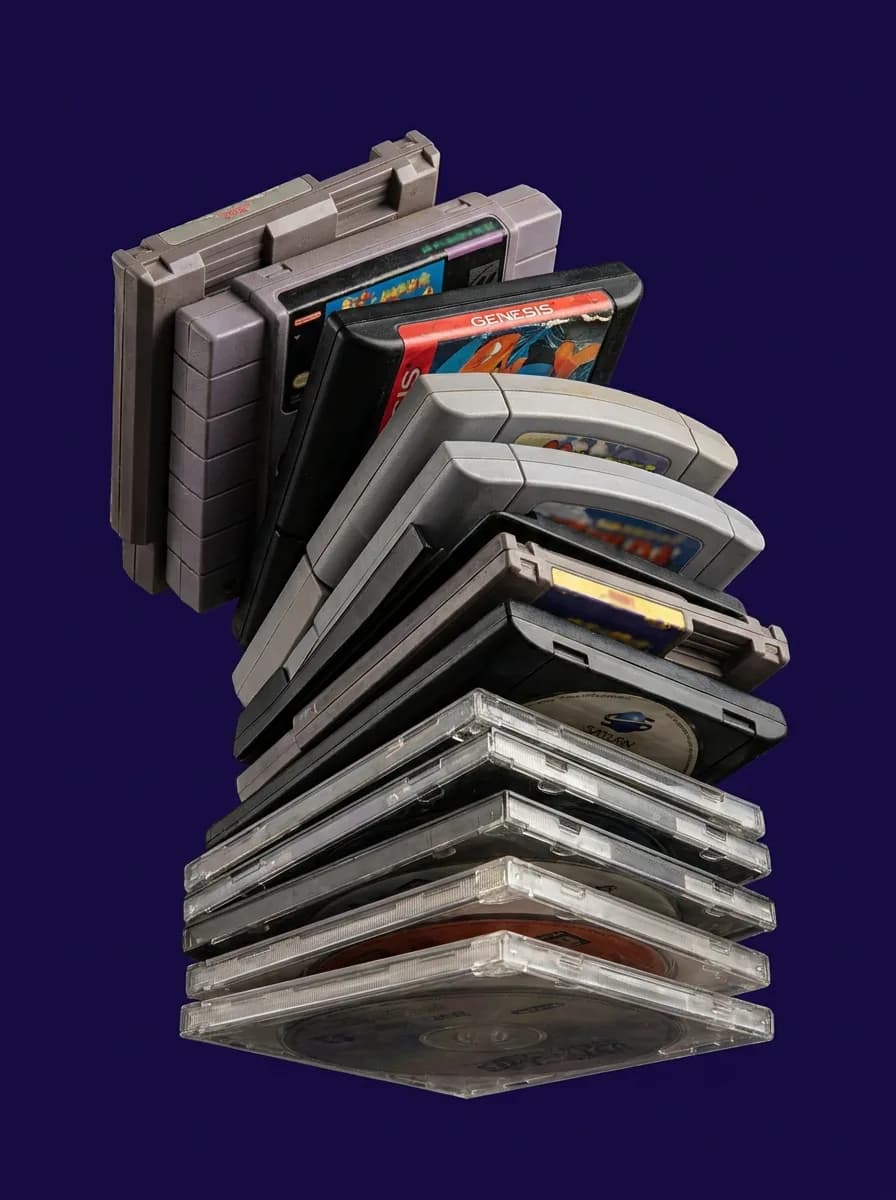
Loose, CIB, sealed: understanding a retro game's condition before you buy
Three words appear on every retro listing. Here's what they mean, how they change the price, and how to choose for the way you play.
Oct 24, 2026 · 1 min read
 Guides
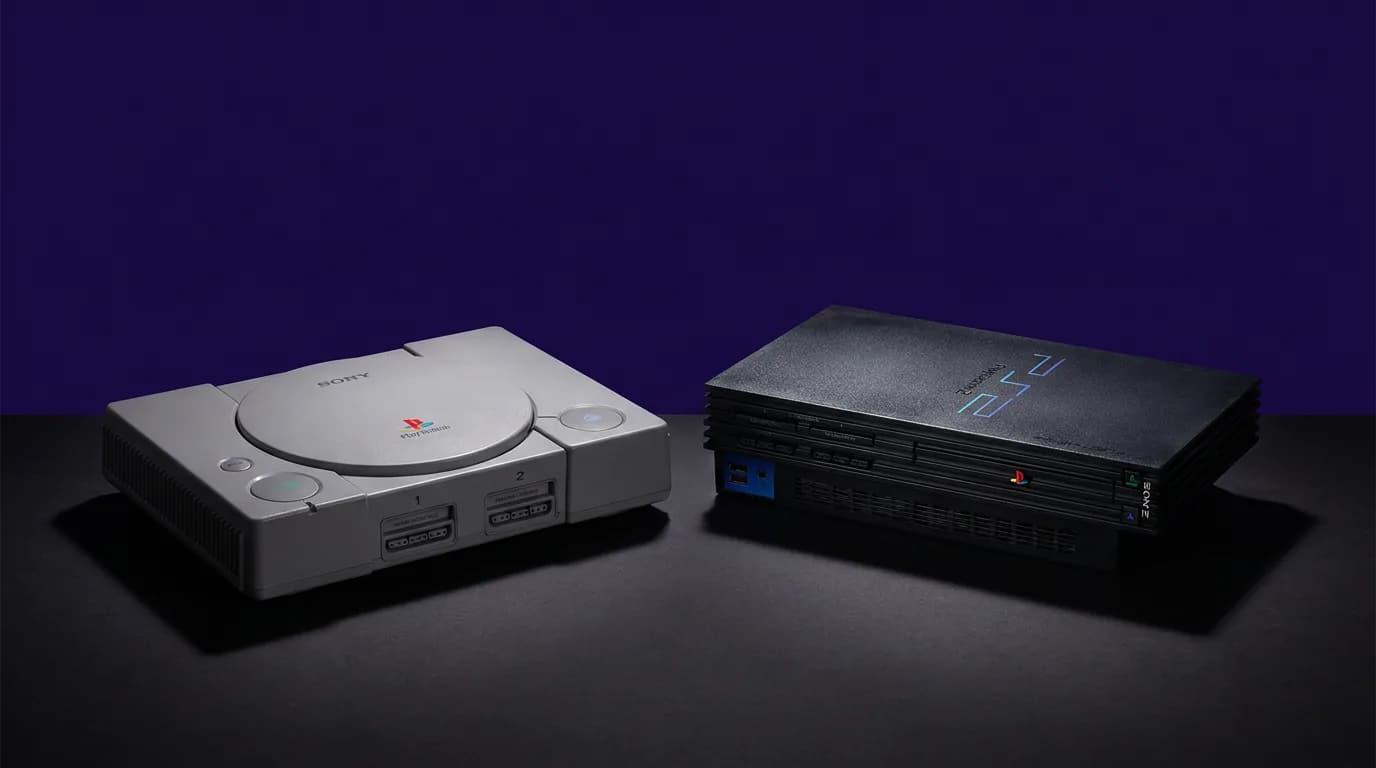
PAL, NTSC-U, NTSC-J: which region should you pick when you play in Morocco?
Console region, game region, mains voltage, TV connection: what to check so everything works together.
Oct 21, 2026 · 1 min read